
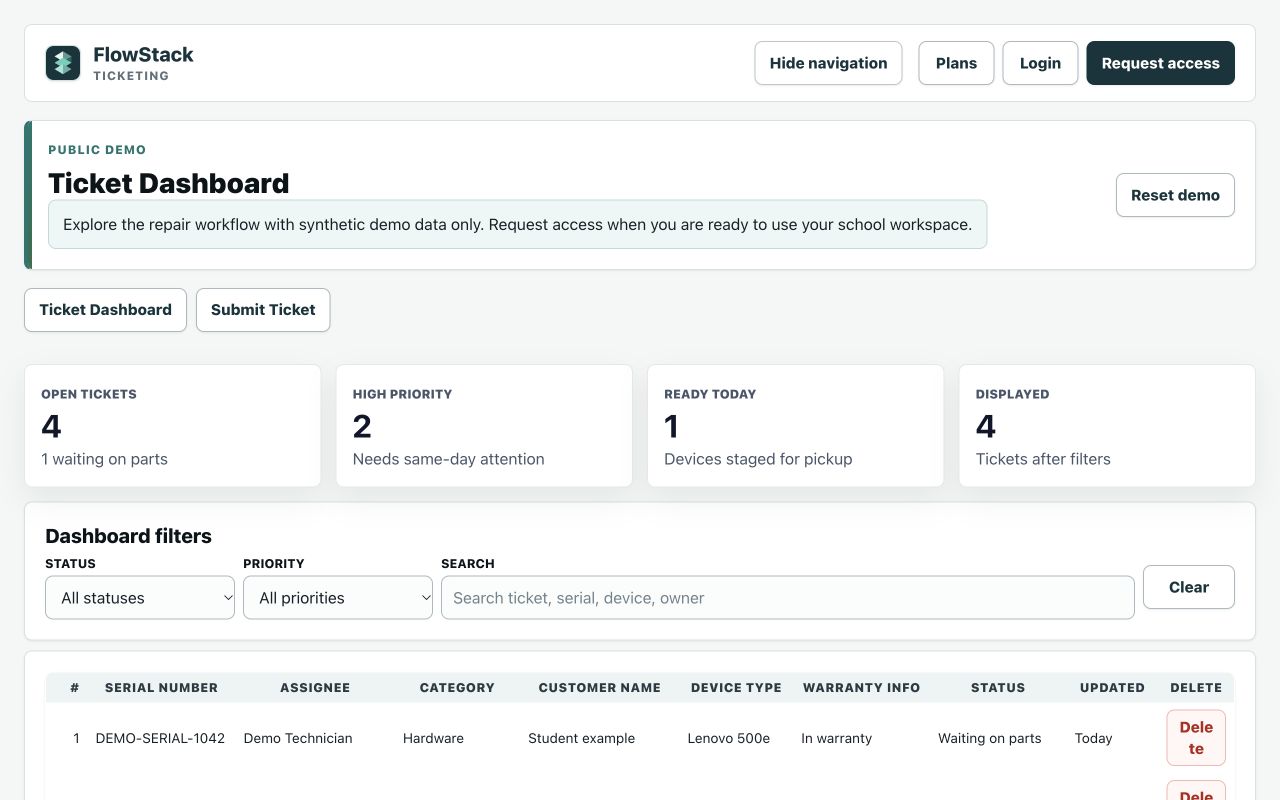
Ticketing
Repair requests, from intake to resolution.
Assign work, follow repair progress, and keep the team informed.
Simple tools for schools
Focused apps for school repairs, inventory, device tracking, student scanning, and classroom discussion.
Start with one workflow. Explore with sample data.
Find your workflow
Choose the app you need. Each has its own demo, plans, and workspace.
Ticketing
Assign work, follow repair progress, and keep the team informed.
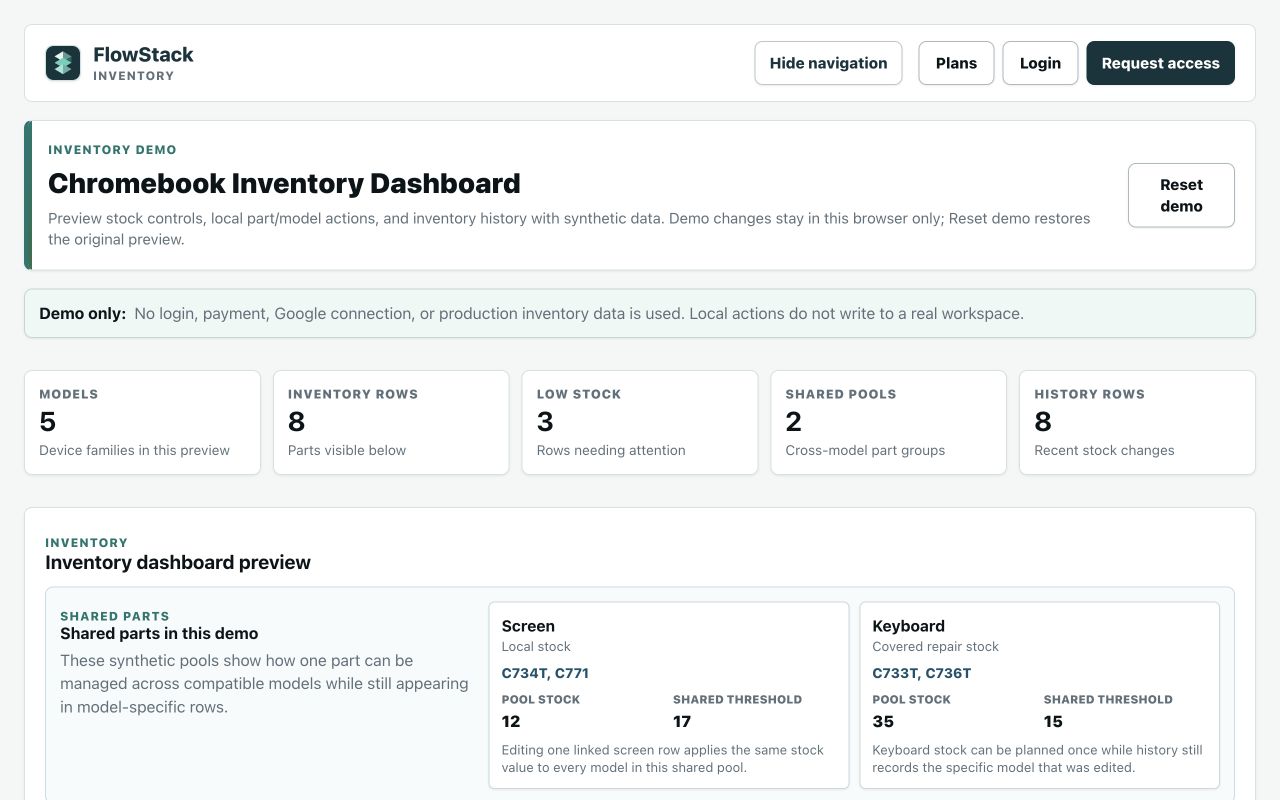
Inventory
Manage Chromebook parts, stock levels, and repair history.
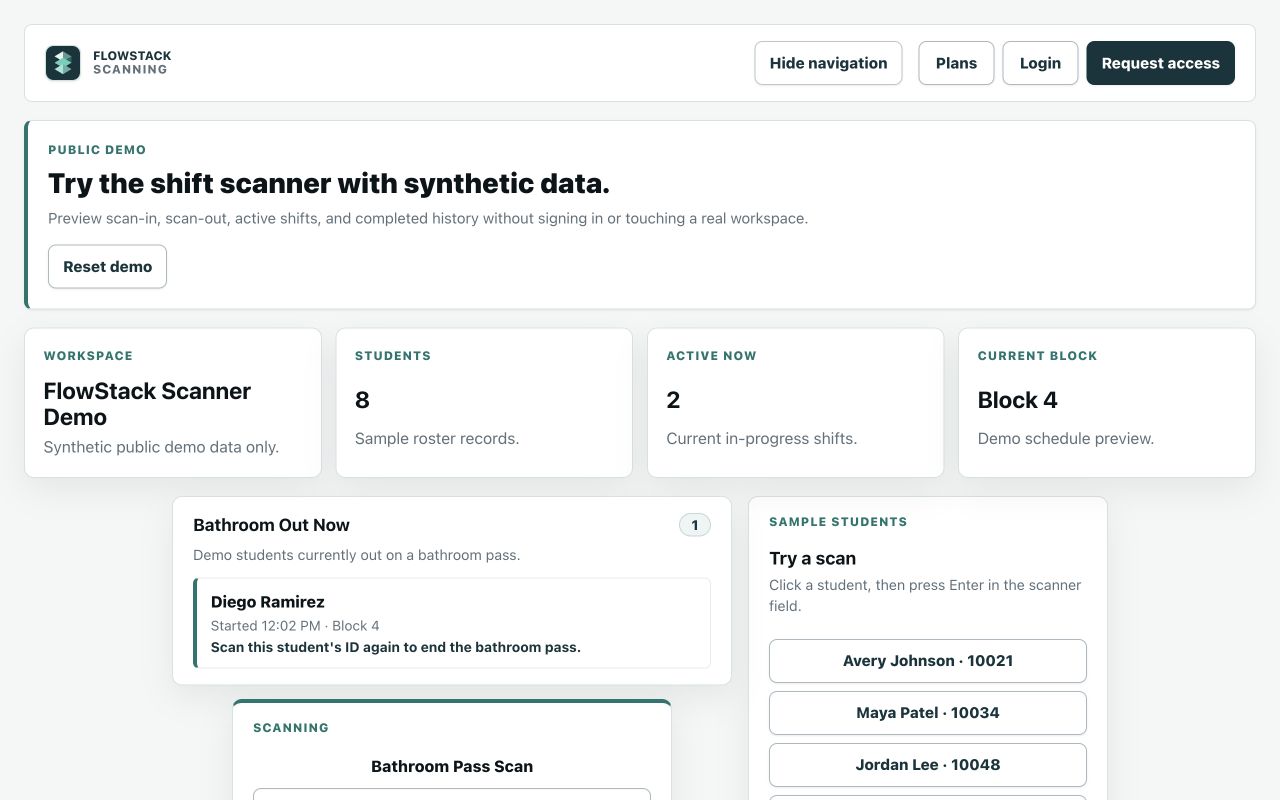
Scanning
Use scan-in and scan-out records to follow active and completed activity.
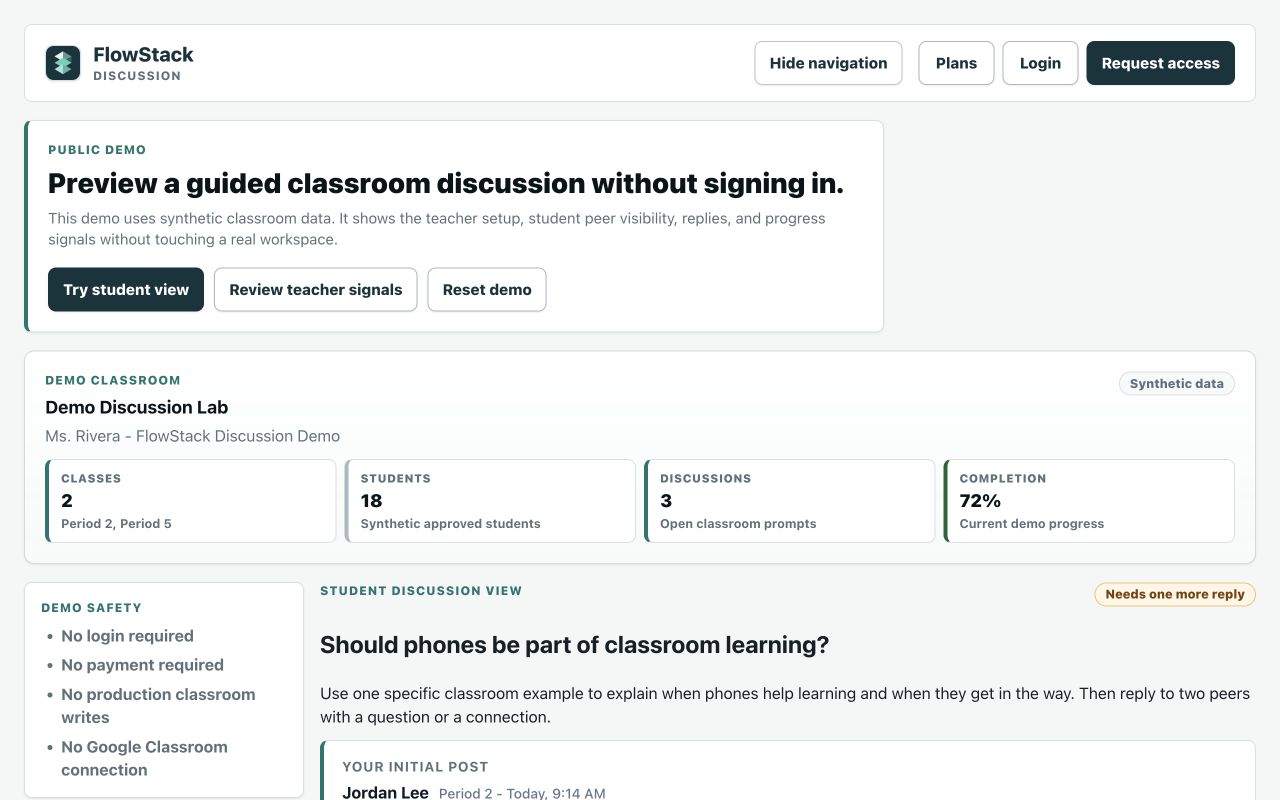
Discussion
Bring prompts, student responses, and participation review together.
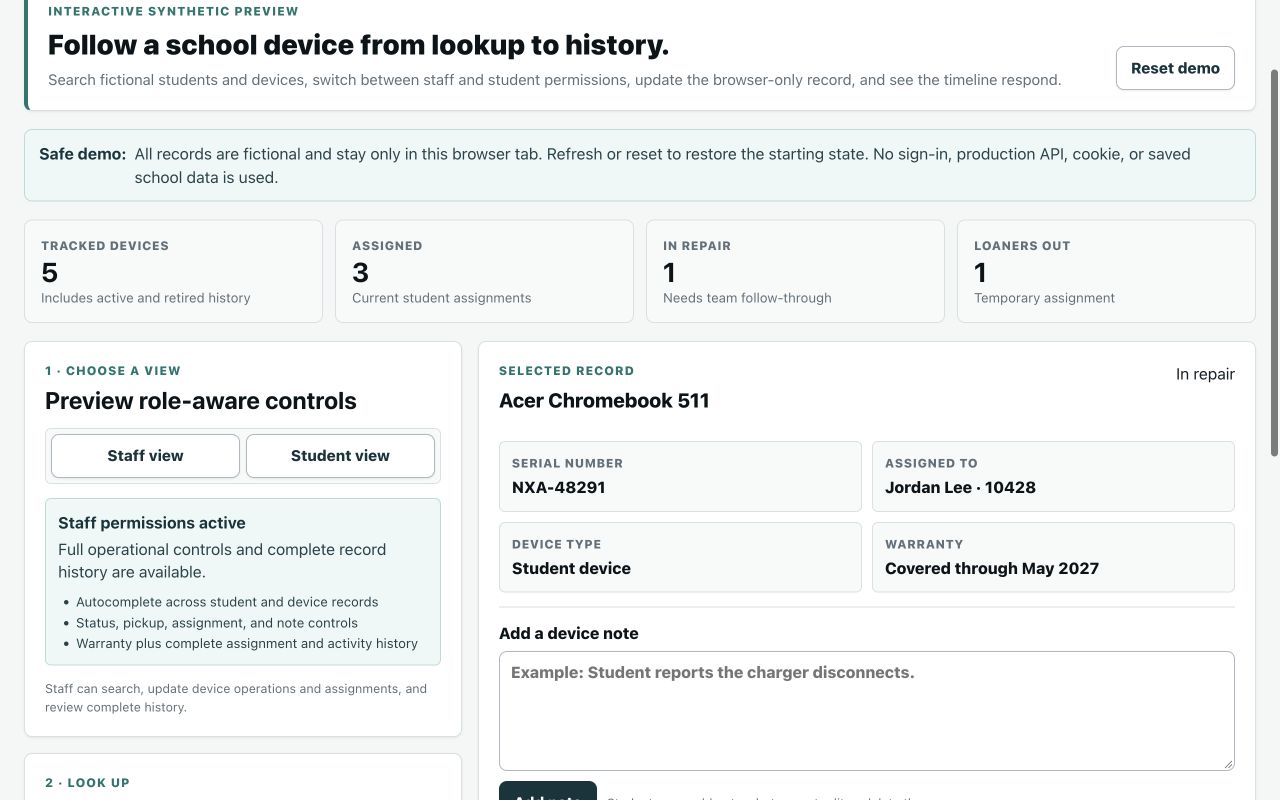
Devices
Find assignments, loaners, repair status, notes, and device history.
All previews use synthetic data. No school records are shown.
Better together, where you need it
When Devices, Ticketing, and Inventory are connected, authorized teams can follow linked records without losing the original history.
Review its assignment, status, and history.
Track the request, team updates, and next steps.
Choose available stock and keep parts use accounted for.
An example of a connected workflow. Apps can also be used separately; connections depend on setup and access. Scanning and Discussion support their own school workflows.
See the workflow
See how Devices, Ticketing, and Inventory can support a connected repair workflow.
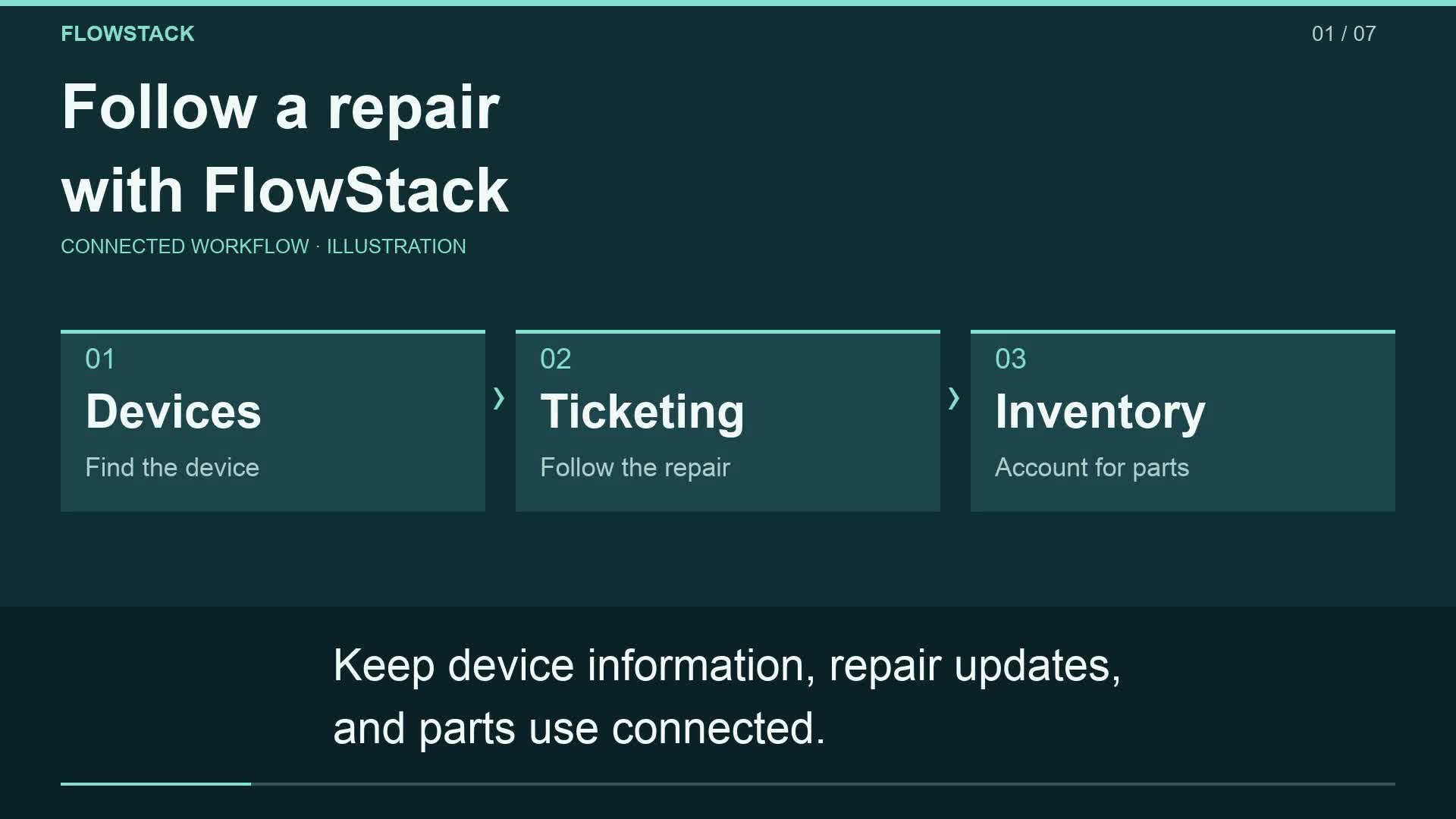
Keep device information, repair updates, and parts use connected.
Start in Devices. Find the device, review its assignment and status, and see the history already attached to it.
In Ticketing, follow the repair request and its progress, so your team can see what needs attention next.
Choose available stock and record the parts used, keeping repair work and inventory accounted for.
When workspaces and records are linked, authorized users can see related communication while original authors and dates stay attached.
Use the apps separately, or connect supported workflows where your team needs them.
Explore FlowStack with sample data, and find the tools that fit your school.
Before you start
Yes. The public demos use synthetic data and let you explore without opening a school workspace.
No. Start with the workflow you need. Each app has its own access and plans; supported connections can be configured where useful.
Use the Plans link beside each app for current options. For invoices or purchasing questions, contact purchases@getflowstack.app.
Let’s talk
Questions about an app, your account, or school purchasing? We can help.