
For teachers
Keep discussion setup, student participation, and completion review in one focused place.
FlowStack Discussion
FlowStack Discussion gives teachers a focused classroom discussion workflow without asking students to navigate a larger learning platform.
See the workspace
The public demo uses a synthetic class to show teacher setup, first-post-before-peer visibility, replies, and progress signals without involving real students.
Open the synthetic demo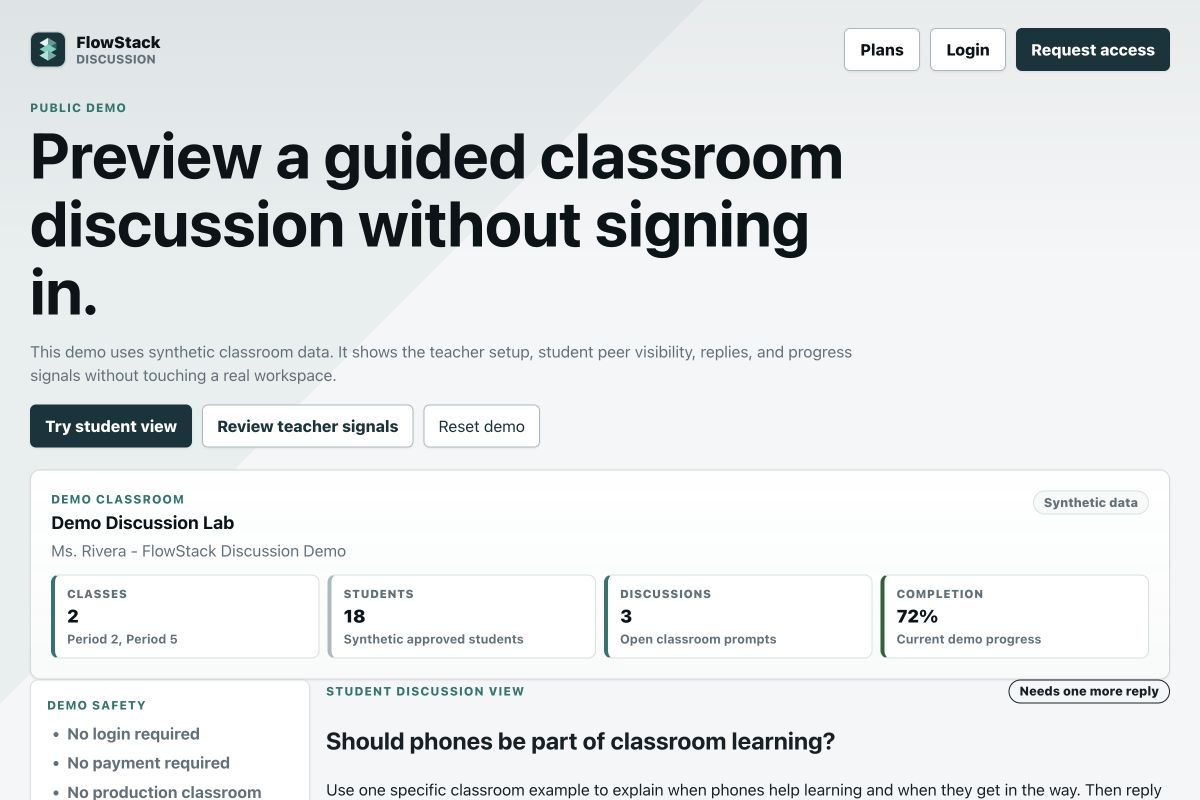
Best fit
Use it when you want a clear discussion routine: prompt, initial post, peer replies, and teacher progress visibility.
Keep discussion setup, student participation, and completion review in one focused place.
Give students a simple path to post first, then read and reply to peers.
Try the public demo with synthetic data before opening a real class workspace.
How it works
Use FlowStack Discussion on its own or alongside your existing classroom platform when you want a more focused discussion experience.
The teacher creates a structured question and assigns it to a class.
Students submit an independent first response before peer posts become visible.
Students reply to peers while teachers monitor completion and individual contributions.
Questions
It helps teachers create prompts, collect initial student posts, support peer replies, and review participation progress.
No. It is a focused discussion workflow for classes that need a lighter tool than a full learning management system.
The workflow is designed around a student first post before peer viewing, which keeps initial responses more independent.
Teachers can review participation progress and drill into student posts and replies. This keeps the discussion evidence visible without turning the product into a full LMS.
Next step
Discussion Starter is $18/month or $144/year for up to 150 active students, 5 class sections, 1 teacher/admin and 100 nonarchived discussions. Small ($300/year), Medium ($600/year) and Large ($900/year) are complete packages with higher published limits, not add-on packs. Compare all allowances on Plans; assisted migration, live training and hands-on support are quoted separately. Existing workspace access and exemptions stay unchanged.